
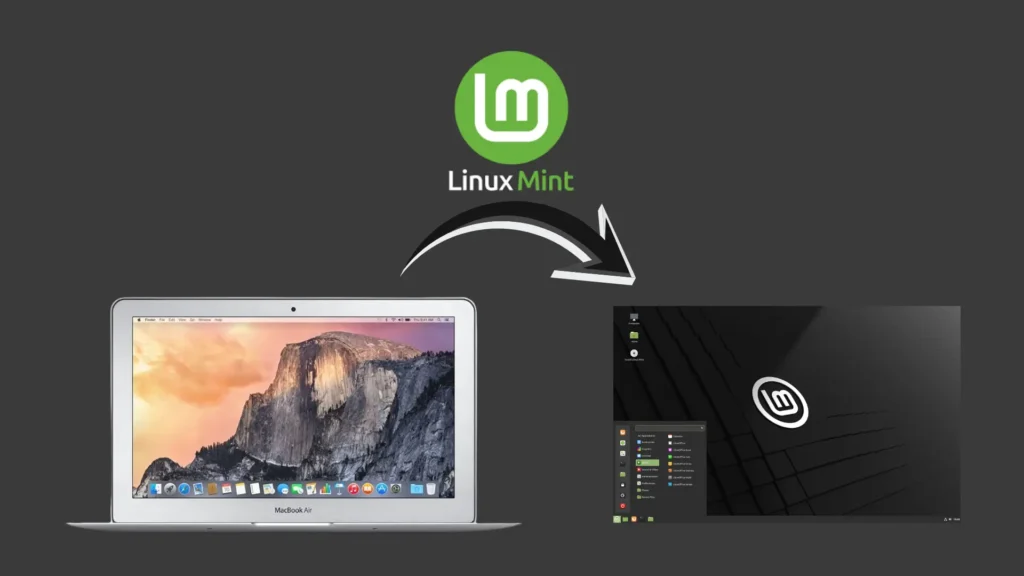
A few weeks ago, I stumbled upon something I had completely forgotten about. My old 2015 MacBook Air. It was lying deep in a closet, covered in dust, and honestly, it felt like a relic from another era. I wasn’t even sure it would power on, but the moment I picked it up, the curiosity kicked in. Can this thing still be useful in 2025?
Since I recently wrote about turning an old PC into a home server, reviving this MacBook felt like the perfect follow-up project.
Rediscovering an Old Friend
When I switched it on, nostalgia hit immediately. The familiar chime still worked, but it didn’t take long to see reality. A decade old dual-core i5 processor with 4 GB RAM feels ancient today. It couldn’t run the latest macOS, and even simple apps struggled.
But instead of giving up on it, I wanted to see if I could squeeze out some life from this old machine. I didn’t want it to go straight into the e-waste pile without a fight.
Linux Mint: The Unexpected Hero
I decided to try something different. Instead of forcing macOS to run on outdated hardware, I installed Linux Mint, a lightweight and beginner-friendly Linux distribution known for running smoothly on older devices.
I used BalenaEtcher to create a bootable USB, plugged it into the MacBook, and started the installation. The whole process took around 25 minutes. The laptop felt like it was hanging on for dear life, but I stayed hopeful.
Since the RAM and CPU on this model are soldered to the motherboard, I had no option to upgrade the hardware. Whatever performance I was going to get had to come purely from software optimisation.
A Big Surprise After Installation
Once Linux Mint booted up and I ran the updates, the change was shocking, but in a good way.
The laptop felt alive again. I could open documents without freezing, browse the internet without stuttering, and even watch YouTube videos in Full HD. For a machine this old, that was more than I expected.
The battery didn’t magically return to 2015 levels, but I still got over four hours on light use. That’s enough for writing, research, or casual browsing.
Seeing this performance on a decade old laptop reminded me how much potential old hardware still has when paired with the right software.
Rethinking What “Outdated” Really Means
Working on this little restoration project changed the way I look at technology. We often assume a device becomes useless the moment it slows down. But upgrading software rather than replacing the machine can make a huge difference.
Reviving this MacBook Air made me realise how much unnecessary e-waste we generate. A few tweaks and a lightweight OS were enough to give it a new life. Instead of sitting forgotten in a closet, it’s now a functional machine again.
What’s Next in My Tech Revival Journey?
Now that the MacBook Air is running smoothly, I’m already thinking about what else I can restore. Maybe an old tablet, a spare laptop, or even a forgotten phone could benefit from a little attention.
If you have unused devices lying around, give them a second chance. You might be surprised at how much life they still have.
Have you revived an old gadget recently? I’d love to hear your experience. Share your story with me as I enjoy learning how others bring old tech back to life.
Want to Build Something New?
If you’re exploring ways to improve your tech setup, build digital tools, or launch an online business, here are some free resources to help you get started:
👉 How to build a WordPress Website
👉 Book a Free DevOps Consulting Call
👉 Visit my YouTube Channel
These resources are designed to help beginners, founders, and small teams take the next step with confidence.